
One of the nice feature in selenium webdriver is it allows us to simulate pressing of multiple keys using a method called "chord"
Here is the explanation of chord method:
Simulate pressing many keys at once in a "chord". Takes a sequence of Keys.XXXX or strings; appends each of the values to a string, and adds the chord termination key (Keys.NULL) and returns the resultant string.
Source: http://seleniumhq.github.io/selenium/docs/api/java/index.html
In the below example i am going to show how to perform Copy and Paste using Selenium webdriver using Actions + Keys + chord.
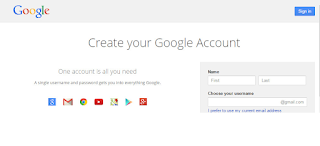

Below is scenario:
1. Open https://accounts.google.com/signup
2. Type something in FirstName
3. Copy the content in FirstName field (CTRL+c)
4. Paste same thing in LastName field (CTRL+v
Here is the explanation of chord method:
Simulate pressing many keys at once in a "chord". Takes a sequence of Keys.XXXX or strings; appends each of the values to a string, and adds the chord termination key (Keys.NULL) and returns the resultant string.
Source: http://seleniumhq.github.io/selenium/docs/api/java/index.html
In the below example i am going to show how to perform Copy and Paste using Selenium webdriver using Actions + Keys + chord.
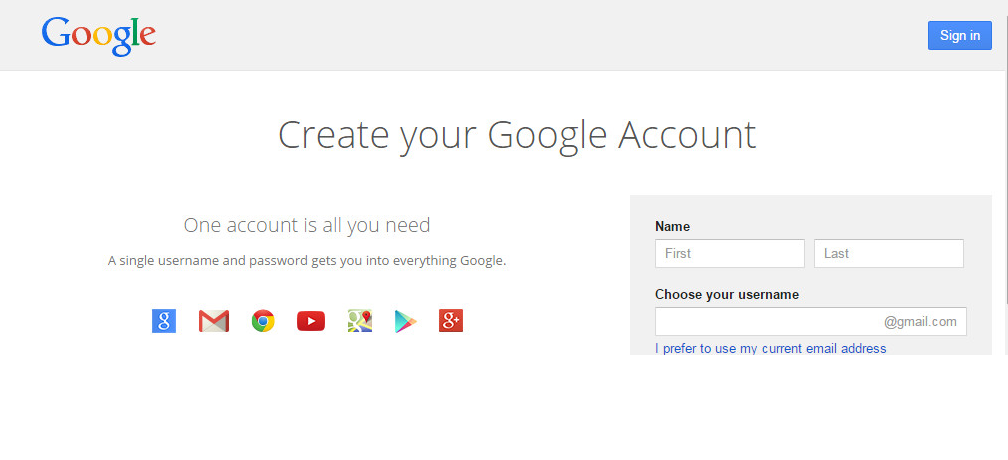

Below is scenario:
1. Open https://accounts.google.com/signup
2. Type something in FirstName
3. Copy the content in FirstName field (CTRL+c)
4. Paste same thing in LastName field (CTRL+v
package sample;

import java.util.concurrent.TimeUnit;

import org.openqa.selenium.By;
import org.openqa.selenium.Keys;
import org.openqa.selenium.WebDriver;
import org.openqa.selenium.WebElement;
import org.openqa.selenium.firefox.FirefoxDriver;
import org.openqa.selenium.interactions.Actions;
import org.testng.annotations.AfterClass;
import org.testng.annotations.BeforeClass;
import org.testng.annotations.Test;

public class Keys_Chord {

 public WebDriver driver;

 @Test
 public void testKeys_Chord() throws Exception {
  driver.get("https://accounts.google.com/signup");
  //Element definitions for FirstName and LastName
  WebElement txtFName=driver.findElement(By.name("FirstName"));
  WebElement txtLName=driver.findElement(By.name("LastName"));
  //Type "webdriver" in First Name
  txtFName.sendKeys("webdriver");
  //Create an object for Actions Class
  Actions a = new Actions(driver);
  //select the value which is typed in FirstName field
  a.sendKeys(txtFName, Keys.chord(Keys.CONTROL,"a")).perform();
  //Performing copy action using CTRl+C
  a.sendKeys(Keys.chord(Keys.CONTROL,"c")).perform();
  //Performing paste action using CTRL+V in LastName field
  a.sendKeys(txtLName, Keys.chord(Keys.CONTROL,"v")).perform();
  Thread.sleep(2000);
 }

 @BeforeClass
 public void beforeClass()
 {
  driver = new FirefoxDriver();
  driver.manage().window().maximize();
  driver.manage().timeouts().implicitlyWait(10, TimeUnit.SECONDS);
 }

 @AfterClass
 public void afterClass() throws Exception
 {
  driver.quit();
 }
}




